CBSE 10th Result 2026 Soon: Check via DigiLocker Guide
CBSE 10th Result 2026 to be announced soon. Learn how to check your scorecard via DigiLocker, official websites, and other methods easily.
 Ellofacts
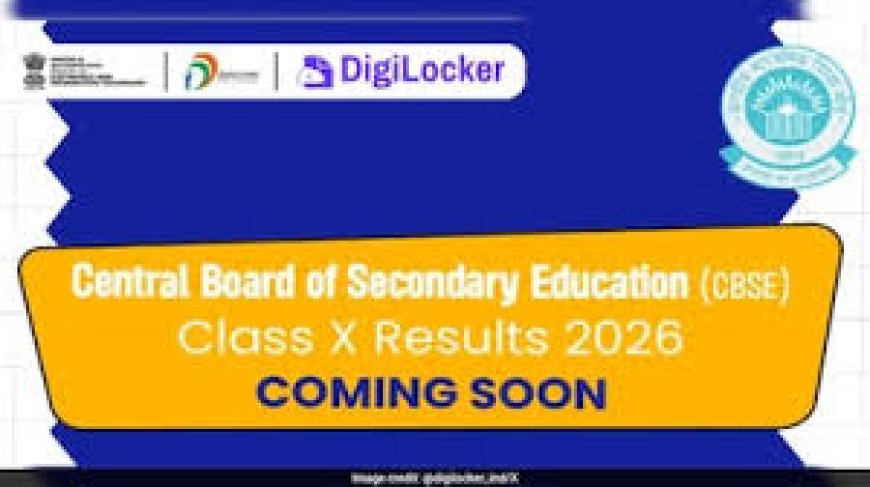
CBSE 10th Result 2026 Expected Soon: How to Check via DigiLocker
The Central Board of Secondary Education (CBSE) is likely to release the Class 10 Board Exam 2026 (Session 1) results shortly. Around 25 lakh students across the country are eagerly waiting for their scorecards.
In preparation for the result announcement, DigiLocker has issued an important advisory asking students to set up and activate their accounts in advance. This step is aimed at helping students access their digital marksheets instantly once the results are declared, avoiding delays caused by heavy traffic at the last minute.
DigiLocker Advisory for Students
DigiLocker has provided clear guidelines, especially for students who do not yet have an APAAR ID. Such students can create their DigiLocker accounts through the CBSE services portal using login details shared by their schools.
Students who already have their APAAR ID linked with CBSE will receive their digital marksheets directly in the “Issued Documents” section on DigiLocker after the results are announced. This ensures quick and hassle-free access without waiting in queues.
Steps to Create a DigiLocker Account
Follow these simple steps to register:
- Visit the official CBSE DigiLocker portal
- Click on “Get Started”
- Enter your details along with the access code provided by your school
- Verify your mobile number using OTP
- Complete the account activation process
Once activated, your marksheet and certificates will be available digitally after the result declaration.
CBSE Result Date and Time
As of now, CBSE has not officially confirmed the exact date and time for the Class 10 result announcement. However, results are expected to be released soon, considering that the second phase of board exams (Session 2) is scheduled for May 2026.
Official Websites to Check CBSE 10th Result 2026
Students can check their results on the following platforms:
- cbse.gov.in
- results. nic. in
- results.digilocker.gov.in
- umang.gov.in
To access the result, students will need:
- Roll number
- School number
- Admit card ID
- Date of birth
- Security PIN
Other Ways to Check Results
Apart from websites, students can also use:
- UMANG mobile app
- SMS services
- IVRS (Interactive Voice Response System)
Important Advice for Students
Students are advised to keep their login details ready and regularly check official updates. Setting up DigiLocker in advance will ensure smooth and instant access to results once they are declared.